Education

Education software, LMS and e-learning app development.

Teachers and trainers lose hours to systems that do not talk to each other. We design and build learning platforms, school software and e-learning apps for New Zealand schools, training providers and businesses that train their own people.

  • Built around how you teach
  • Careful with student information
  • Auckland team
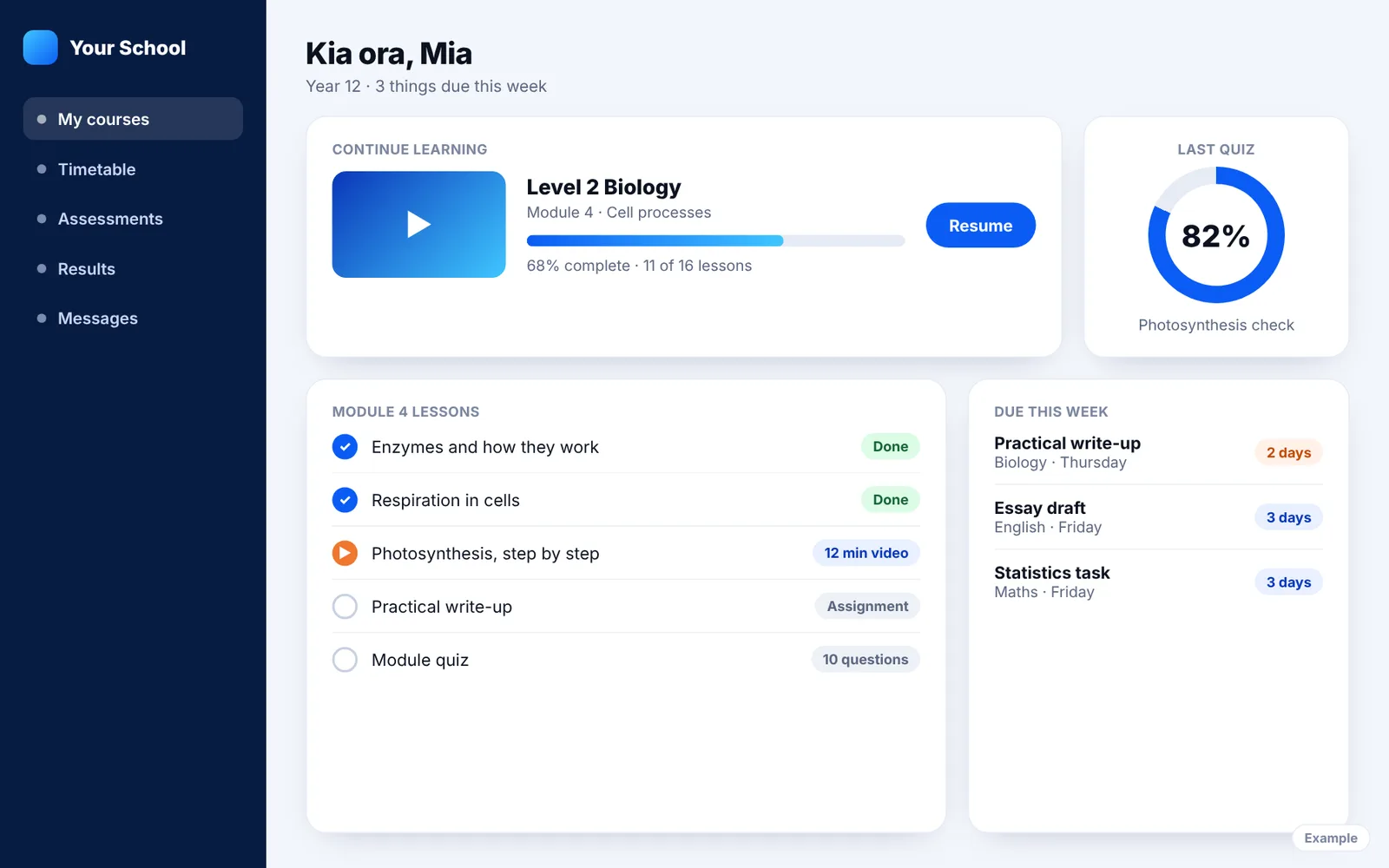
Example of a student dashboard in a learning platform, showing course progress, lessons and work due

The problem

Where education software goes wrong

  • Too many logins

    Timetables are in one system, coursework in another and reports in a third. Staff and students give up and go back to email.

  • Marks typed in twice

    Results go into the learning platform and then again into the student management system, and the two never quite match.

  • It does not work on a phone

    Most learners open a course on their phone first. If a lesson is hard to read or a video will not play, they stop.

  • Nobody can see who is falling behind

    Progress sits in spreadsheets, so the first sign of trouble is a missed deadline.

What we build

What we build for education

Six kinds of project, often combined. Each one starts with how your staff and learners work now.

Education software

Custom software for the jobs an off-the-shelf product does not cover: enrolment, placements, assessment, reporting and the portals around them. We build it around how your organisation already works, and connect it to the systems you are keeping.

  • Enrolment and application forms
  • Student, parent and tutor portals
  • Assessment, marking and moderation tools
  • Reports for staff, boards and funders
More about web app development

LMS development

A learning management system built or adapted for the way you deliver courses. Sometimes that means a custom platform. Sometimes it means Moodle or Canvas set up properly, with the missing pieces built around it. We tell you which before you spend anything.

  • Courses, modules and lesson pages
  • Quizzes, assignments and marking
  • Progress tracking and certificates
  • SCORM and xAPI course content
More about web app development

E-learning apps

Learning apps for iPhone, Android and the web, for people who study on the bus, on site or between shifts. Short lessons, video, flashcards and quizzes, with progress that follows the learner from phone to laptop.

  • Video and audio lessons
  • Flashcards and spaced repetition
  • Quizzes with instant feedback
  • Lessons that open without signal
More about mobile app design

School management software

Tools that take the paperwork out of running a school or training organisation: attendance, timetables, permission slips, fees and messages to families. If you already run a student management system such as KAMAR, Edge, eTAP or Hero, we work with what it can share instead of trying to replace it.

  • Attendance and timetables
  • Forms, consent and permission slips
  • Fees, invoices and online payment
  • Messages to parents and caregivers
More about web app development

School website design

A website for a school, kura, early learning centre or training provider that answers what families and learners look for first: enrolment, term dates, courses, fees and who to contact. Office staff can update it without calling anyone.

  • Enrolment and enquiry forms
  • Newsletters, notices and calendars
  • Course and programme pages
  • Easy for office staff to update
More about website design

AI study and tutoring tools

AI that helps a learner study from their own course material, with limits on what it will and will not do. We built Mindvault, an AI study platform that turns a student's notes into flashcards and quizzes and answers questions with a citation back to the source.

  • Answers cited to the course material
  • Flashcards and quizzes made from notes
  • Clear rules on what the AI will not write
  • AI running costs tracked per learner
More about ai tools for websites and apps

Work we can show you

Work that shows the same building blocks

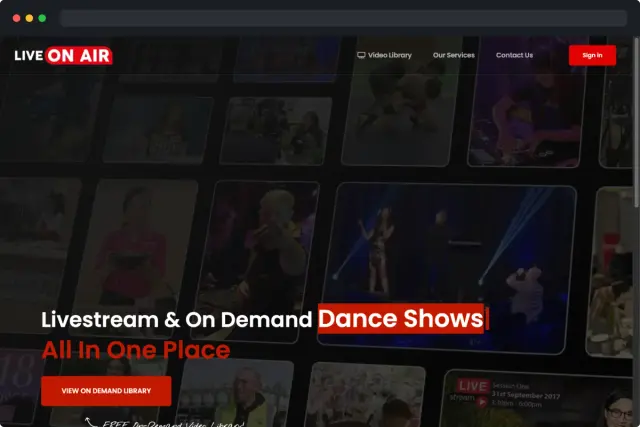
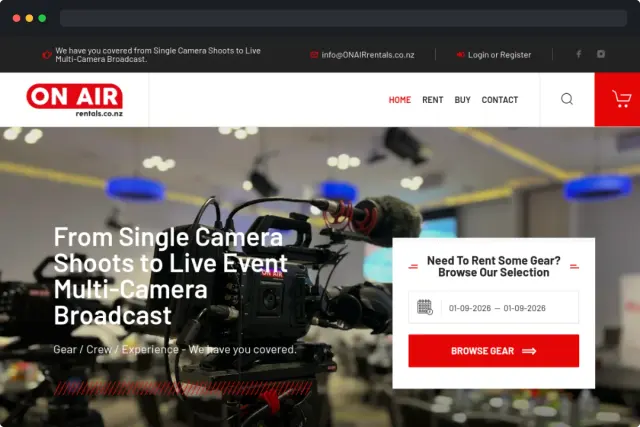
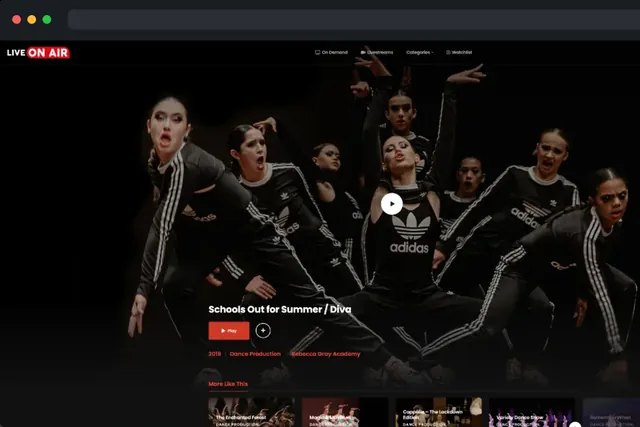
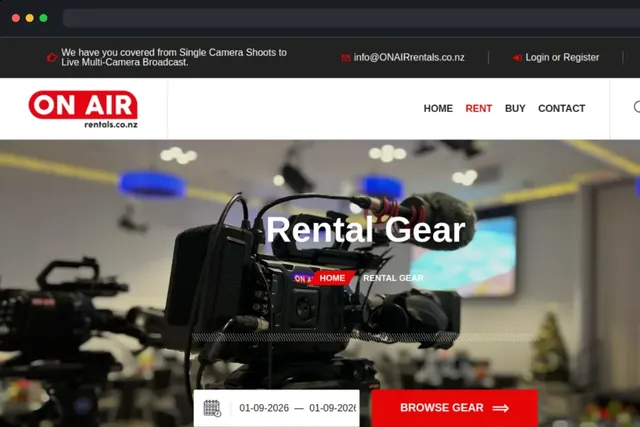
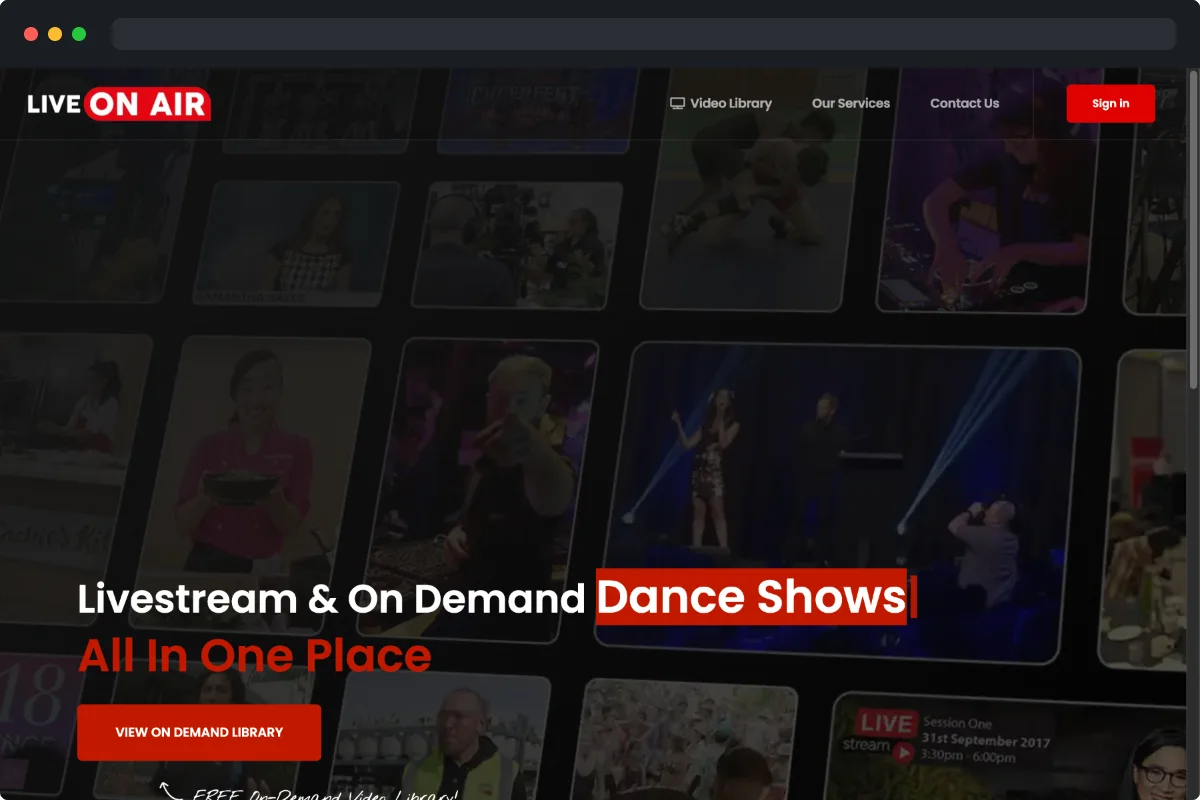
Mindvault, the AI study platform we built, is on our web app development page. Live ON AIR below is not a school, but it runs on what an online course needs: member accounts, live and on-demand video, and paid access.

Worth knowing first

Before you choose an education platform

Custom, or Moodle and Canvas?

Moodle and Canvas are good at standard course delivery: a course, some modules, a quiz and a gradebook. If that is how you teach, setting one up properly costs far less than building a platform, and we will tell you so.

Custom earns its cost when the way you teach is the product: work placements, competency sign-offs, cohort programmes, your own assessment method, or a paid course you sell to the public. A common middle path is to keep the LMS and build the missing piece beside it.

What drives the cost

Three things, mostly: how many kinds of user there are (learner, tutor, assessor, parent, administrator), how many other systems it has to exchange data with, and how much existing content has to be moved across.

We quote each project and fix the price before we start. If the budget is tight, we cut the first release down to the part that saves the most time and add the rest later.

What to have ready

A list of the systems you use now and what each one is for. One or two real examples of a course or a process, from start to finish. And the name of the person who decides.

You do not need a written specification. Working out what to build is the first part of the job, and we do it with the staff who will use it.

How we work

What matters in education, and how we handle it

  • Student privacyWe design for the Privacy Act 2020: collect only what is needed, keep learner records where you can account for them, and limit who can see what. Anything used by children gets extra care.
  • AccessibilityPages and lessons are built to WCAG 2.2 AA, so they work with screen readers, captions, large text and a keyboard.
  • Te reo MāoriMacrons display, sort and search correctly, and layouts leave room for te reo Māori alongside English where you want both.
  • Single sign-onLearners and staff sign in with the Google or Microsoft account they already have, so there is no new password to forget.
  • Fits your existing systemsWe check what your student management system and LMS can share before we quote, and tell you plainly if something is not possible.
  • Reporting you have to doIf you report to NZQA, TEC or a funder, we design the system so the figures they ask for are captured in normal use, not gathered by hand at the end of the year.

The plan

How a project runs

  1. Talk

    Tell us what you teach, who your learners are and where the current system gets in the way.

  2. Plan

    We map how a learner enrols, studies and is assessed, and which systems have to share data.

  3. Build and test

    You see it early. A small group of staff and learners try it before everyone else does.

  4. Launch and look after

    We put it live at a quiet point in the term, then keep it hosted, updated and improving if you want us to.

Good to know

Questions people ask

Something else on your mind? Call (09) 951-9554 or send us a message.

Should we build a custom LMS or use Moodle or Canvas?

If you deliver standard courses, use Moodle or Canvas and set it up well. It costs far less. Build custom when your programmes, assessments or business model do not fit that shape, or when the platform is something you sell. Often the right answer is both: keep the LMS and build the missing piece beside it.

Can you connect to our student management system?

Usually, if it offers an API or a scheduled export. KAMAR, Edge, eTAP, Hero and PCSchool differ in what they share, so we check what yours supports before we quote and tell you plainly if something is not possible.

Have you built learning software before?

Yes. Mindvault is an AI study platform we built: students upload their course material and get cited answers, flashcards with spaced repetition and quizzes that show what to revisit. We also built Live ON AIR, a live and on-demand video platform with member accounts and paid access.

Do you design school websites?

Yes. We design and build websites for schools, early learning centres and training providers, with enrolment forms, calendars and newsletters that office staff can update themselves.

How do you protect student information?

We design for the Privacy Act 2020: collect only what is needed, be clear about where it is stored, and limit who can see each record. Anything used by children gets extra care, including what other students can see and what is sent to parents.

Will it work on phones and tablets?

Yes. Most learners start on a phone, so we design for that first. Where learners study without reliable internet, lessons can be saved to the device and progress synced later.

Can our staff create and update courses themselves?

Yes. Tutors and administrators add lessons, quizzes and resources without a developer. We train your team before launch and leave written guides.

How much does education software cost?

It depends on the number of user types, the systems it connects to and how much content has to be moved, so we quote each project and fix the price before we start.

How long does it take to build?

You get a timeframe in writing with your quote. A school website is usually a matter of weeks. A learning platform or app takes longer, and we plan the launch around your terms or intakes.
Planning a learning platform?

Tell us what you teach and where the current system gets in the way. We will come back with ideas and a fixed quote.

Ready to talk about
your project?

Tell us what you need. We’ll come back with ideas, a timeframe and a fixed quote.

Getting the search ready

↑↓ to move, Enter to openSearches every service, plan, article and answer on the site.

Quick QuoteA few quick taps

What can we help with?

Tap everything you are after. One is fine.

Websites and apps

Brand and content

More customers

AI

Keep it running