Features customers can feel
Search that finds what they meant, a quote from a photo, a form that fills itself, a summary instead of four hundred reviews. If a feature doesn't change what a customer does, we don't build it.

 2
 3
 1


Arthropodium cirratum. Perennial. Height 60 cm. Prefers shade. Tolerates dry conditions. Flowers November to January.
The one for the dark corner you have given up on. Rengarenga sits happily in dry shade under a tree or on a south-facing deck, throws up white stars every summer, and does not mind if you forget it for a fortnight.
适合您放弃的那个阴暗角落。Rengarenga 在树下或朝南的露台上也能长得很好,每年夏天开出白色星形小花,忘记浇水两周也没关系。
@typeProduct · InStock · 23price16.00 NZD · ships NZ-wide · $9suitableForshade · deck · coastalactionsReserveAction · BuyActionAn agent just checked stock for a Wellington delivery, and was answered from the data.
AI tools for websites & apps · Auckland, for businesses everywhere
Search that understands, picks that fit, a quote from a photo, a form that fills itself. Built into your website or app as native features, not a widget bolted on the side. Scroll to switch them on.
Search that finds what they meant, a quote from a photo, a form that fills itself, a summary instead of four hundred reviews. If a feature doesn't change what a customer does, we don't build it.
Built into your site or app in your design, under your control, with fallbacks so the page never waits on a model.
Right-sized models, caching, hard rate limits and a provider you can swap. You see the projected monthly running cost before we write a line, and the real one in your dashboard after.
Businesses we work with
























Each card says what the tool does, when it's worth it, and when we'd tell you to save the money. Hover for the honest version.
 Find
Semantic and natural-language search
Customers type what they mean, in their words, with typos and in any language. It finds the right thing and says why. The highest-return feature on most sites with real content or a catalogue.
Worth it when: Content-heavy sites, stores with a few hundred products or more, help centres. Skip it when: Twenty products and a clear menu. A good filter beats a model.
 Find
Visual search and matching
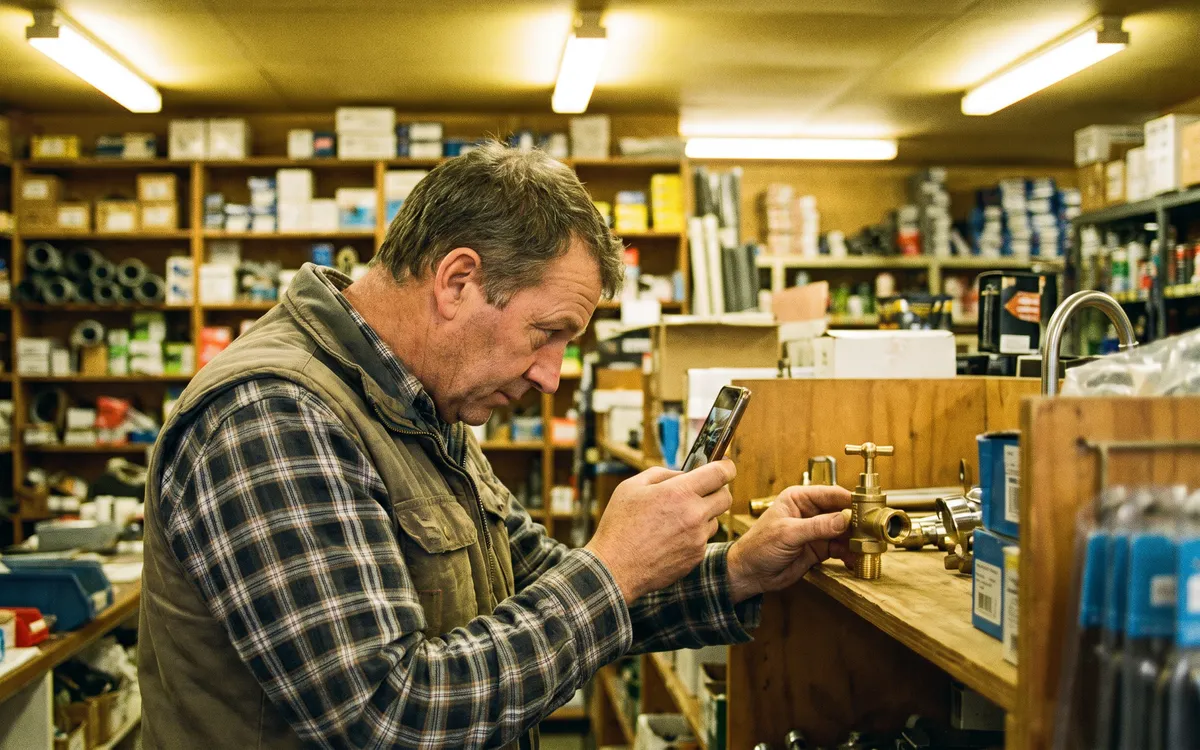
A photo of the tap, the tile, the part or the plant finds the match and the alternatives. Removes the hardest step in buying: knowing what it is called.
Worth it when: Parts, hardware, fashion, furniture, plants, anything people photograph. Skip it when: Products that look alike but differ in ways a photo cannot show.
 Find
Recommendations and personalisation
Because you looked at this, people who bought that, the next thing you will need. Built on recent behaviour, not every click, and tuned so it never nags.
Worth it when: Enough traffic to learn from, usually thousands of sessions a month. Skip it when: A new or quiet site. It has nothing to learn from yet; we will tell you.
 Find
Structured data, actions and llms.txt
In 2026 the next customer may be an AI agent shopping on someone's behalf. It reads structured data, not marketing copy, and acts through published actions. We make your site legible and bookable to it.
Worth it when: Any business that sells, books or quotes online, from now on. Skip it when: Nothing to sell or book online.
 Sell
Instant estimates from images and a few answers
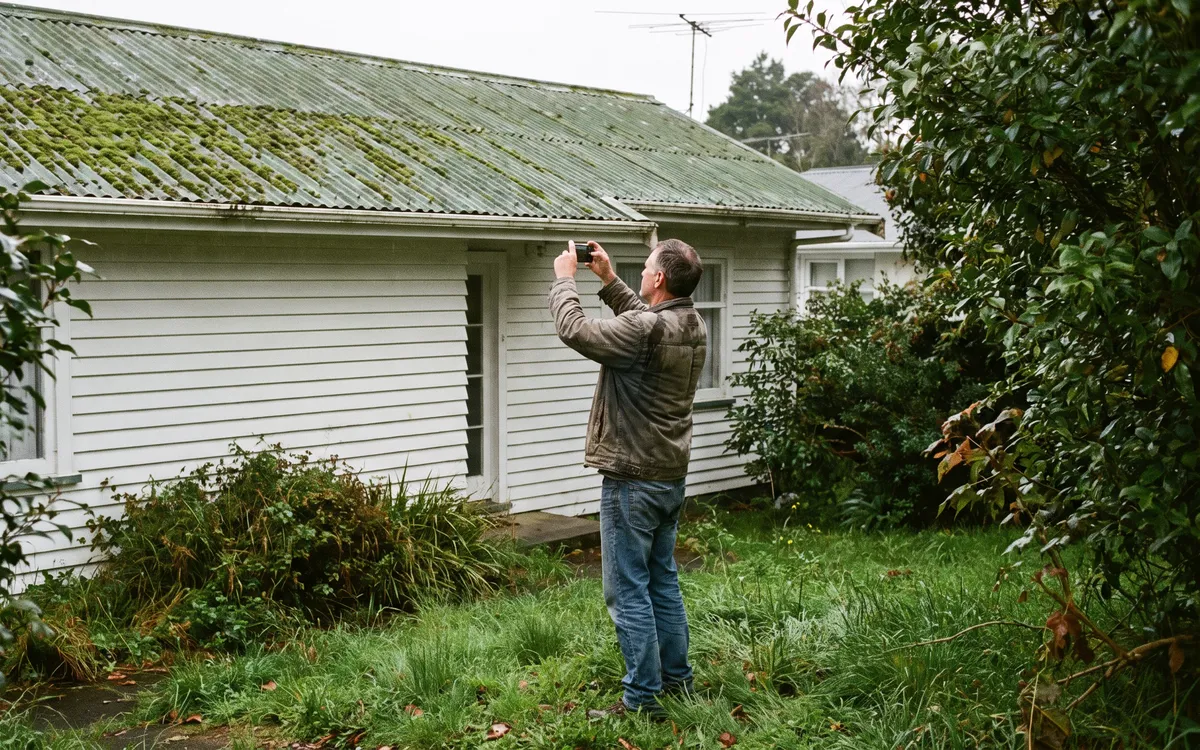
A photo of the roof, the deck, the room or the car, two questions, and a priced range with the line items. The enquiry that used to wait for a site visit is answered in a minute.
Worth it when: Trades and services that quote by size, condition and access. Skip it when: Work that can't be priced without a person on site.
 Sell
Natural-language configurators
Instead of forty dropdowns: ‘a six-metre classroom with cedar cladding and a covered deck’. It builds the configuration, prices it, and shows what it understood so you can correct it.
Worth it when: Products with options people struggle to spell out. Skip it when: Three options. A form is faster.
 Sell
Try-on and in-room preview
The couch in their lounge, the glasses on their face, the paint on their wall. Takes the hesitation out of buying things people need to picture first.
Worth it when: Furniture, eyewear, paint, fashion, anything where ‘will it suit’ is the question. Skip it when: Products nobody needs to picture.
 Sell
Review summaries and generated listings
What people love, what they warn about, who it suits, from every review. And product copy written in your voice from the specs, for the three hundred listings nobody ever wrote properly. A person signs off every one.
Worth it when: Catalogues with thin listings, products with many reviews. Skip it when: Publishing it unedited. We never do.
 Read
Invoices, receipts, forms and contracts read for you
A photo of the receipt becomes an expense line. The supplier invoice becomes a bill in Xero. The forty-page tender becomes a table of requirements with the risks in red. Each field with a confidence score, and the uncertain ones flagged.
Worth it when: Anywhere people retype what is already written down. Skip it when: A handful of documents a month. A person is cheaper.
 Read
Image recognition and condition checks
Inspection photos tagged by room and issue. Stock photos categorised. Damage assessed from a picture. Hundreds of images sorted and described the moment they are uploaded.
Worth it when: Property, insurance, inventory, field reports, galleries. Skip it when: A few photos a week that a person already looks at.
 Read
Voice notes, dictation and call summaries
The plumber under the sink describes the job and the job sheet writes itself. The call ends and the summary and actions already exist. Accurate with Kiwi accents, trade terms and te reo place names.
Worth it when: Field teams, phone-heavy businesses, anyone who hates typing on site. Skip it when: A quiet office where everyone types anyway.
 Read
Live translation and localisation
The page, the chat, the booking form and the confirmation in the visitor's language, kept in sync with your English, with the terms you care about locked. Not a bar that reloads the page in machine-ese.
Worth it when: Tourism, export, any business with customers who do not read English first. Skip it when: Every customer reads English.
 Help
In-app copilots and natural-language analytics
‘Which jobs are behind this month?’ ‘Who hasn't paid?’ ‘Busiest suburb last quarter?’ Asked in words, answered with the number, the chart or the list, from your own systems. A command bar, not a dashboard safari.
Worth it when: Any app or portal where people hunt through screens for an answer. Skip it when: A single screen that already answers the question.
 Help
Smart forms and intelligent routing
Paste the email, drop the document, or just start typing: the form fills itself, checks what it filled, asks only for what is missing, and routes the result to the right person.
Worth it when: Enquiries, applications, claims, onboarding, anything with more than six fields. Skip it when: Name, email, message.
 Help
Summaries of threads, documents and meetings
The forty-message thread, the ninety-page report, the hour-long call: one card with what matters, what was decided and what is owed, inside the app where the work lives.
Worth it when: Support, legal, property, projects, anywhere reading is the bottleneck. Skip it when: Short things. Nobody needs a summary of a sentence.
 Help
Generated content with a tone guide and a human edit
Product copy, listings, replies, descriptions and help articles drafted from your facts in a tone guide written from your own words. Every draft reviewed before it is published, every time.
Worth it when: Catalogues, marketplaces, help centres, any business publishing at volume. Skip it when: Publishing without a person reading it. The one thing we will not build.
Type what you want (shady, windy, can't be killed, under twenty dollars) and it finds the plants that fit and tells you why. Then flip to keyword search and watch the same question find nothing.
23It maps the words people use (‘Wellington’, ‘south-facing’, ‘I kill everything’) to what the catalogue knows about each plant, scores the fit, and shows its reasons. On a real site the catalogue is yours and the mapping is learned from your own search logs.
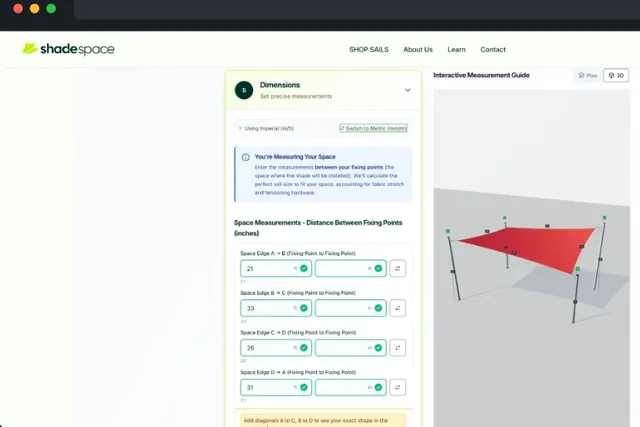
A house-washing company used to drive to every enquiry. Pick a house and watch the tool read the photo, price the job from the company's own rates and say how sure it is.
Every app has the answer somewhere, four screens deep. Ask this plumbing company's app about its jobs, money, suburbs or schedule and it comes straight back as a number, a chart or a list.
An enquiry email becomes a job card, a photo of a receipt becomes an expense line, and a supplier invoice becomes a bill in Xero. Each field shows how sure it is, and the uncertain ones wait for a person.
Someone asks their AI assistant for three shade plants delivered by Friday, and it goes looking. It reads structured data and published actions, so here is the same product page both ways and what the agent does with each.
The one for the dark corner you have given up on. Happy in dry shade, white stars every summer, forgiving if you forget it.
$16
Product, Offer, availability, shipping, opening hours, reviews, in the schema.org shape agents and search engines both read.
Reserve, buy, book, quote, as actions an agent can call with your rules in front of them, not a form it has to guess at.
An llms.txt that tells an assistant what you sell and how to ask, and the newer browser-agent protocols as they land.
Tick the features, slide the traffic and see the monthly model bill. Most answers are cached, the models are sized to the job, and a daily cap means the bill can't surprise you.
$3.49 per thousand visitors. We would set the daily cap at $5; at the cap it falls back to plain behaviour and tells you.
Planning figures in NZD at 2026 model prices, before hosting. The real numbers show per feature in your dashboard, and we revisit the model choice whenever a cheaper one does the job.
We start with your search logs, your support inbox and your analytics, because they already say what people want and can't get. The first feature is chosen on that, prototyped on your real data in a week, and only then built.
 The log review · what people searched and did not find
A day with your analytics, your search logs and your support inbox. What do people look for and not find? What do they ask that a page should answer? The first feature is chosen on that evidence.
A week. Your products, your documents, your real questions, in a rough version you can click. If it does not change what a customer would do, we stop here and say so.
In your design, inside your site or app, with caching, fallbacks and rate limits so the page never waits on a model and the bill never surprises you. Live in two to six weeks depending on the feature.
Searches that found something, quotes that became jobs, forms completed, time saved. A monthly tune, and the next feature chosen the same way as the first.
A fixed quote to prototype and build the feature into your product, then the running cost of models and tools shown per feature in your dashboard, under a cap you set. No per-seat fees.
NZD, ex GST · 2 to 4 weeks
One feature chosen on evidence, prototyped on your data, built into your site or app with fallbacks, caching and a cost dashboard.
NZD, ex GST · 6 to 10 weeks
Three to five features that work together: search, picks, summaries, a quote tool, a copilot. One data layer, one cost dashboard, one roadmap.
NZD, ex GST · ongoing
A new feature every quarter, the existing ones measured and tuned, models swapped when a better or cheaper one arrives, and someone to call.
Starting prices for our work. On running costs, most clients spend less in a month than one afternoon of admin.
Usually the one your search logs and support inbox are already asking for. On most sites with real content or a catalogue it is search that understands; for trades it is a quote from a photo; for apps it is ask-your-data. We spend a day on the evidence before we recommend anything.
No. Model calls run beside the page, not in front of it, with cached answers served instantly and a plain fallback if a model is slow. The page never sits waiting; the typical response is under 300 milliseconds from cache and a second or two from a model.
Less than people expect. Search and summaries cost cents per thousand uses because most answers are cached; a quote from a photo is a few cents each; a copilot question a few cents. We project the monthly figure before we build, cap it, and show it per feature in your dashboard.
Whichever fits the job and the budget, and we build so it can be swapped. A small embedding model for search, a vision model for photos, a mid-sized model for writing. We don't lock your product to one provider.
Features that answer from your own data only answer from your own data, show their sources, and say when they cannot. Anything generated for customers to read is reviewed by a person before it is published. We do not build publish-without-reading.
In 2026 shopping and booking agents are live, and they read structured data and published actions rather than marketing copy. We make your products, prices, stock, delivery and actions legible to them, which also helps ordinary search. It is the cheapest feature on this page.
Hosted in Sydney or Auckland, never used to train anything outside your product, and deletable on request. Each feature gets the least access it needs. The Privacy Act is built into the design.
Send us a month of your search terms or the questions your inbox gets most. Within a day we’ll show you the one feature that would pay, a prototype plan, and what it would cost to run.
Get a quick quoteTell us what you need. We’ll come back with ideas, a timeframe and a fixed quote.